How to pay for Skyro
loans
Pay for your Skyro loans online via SkyroPondo, QR Ph, online banking, or e-wallet:





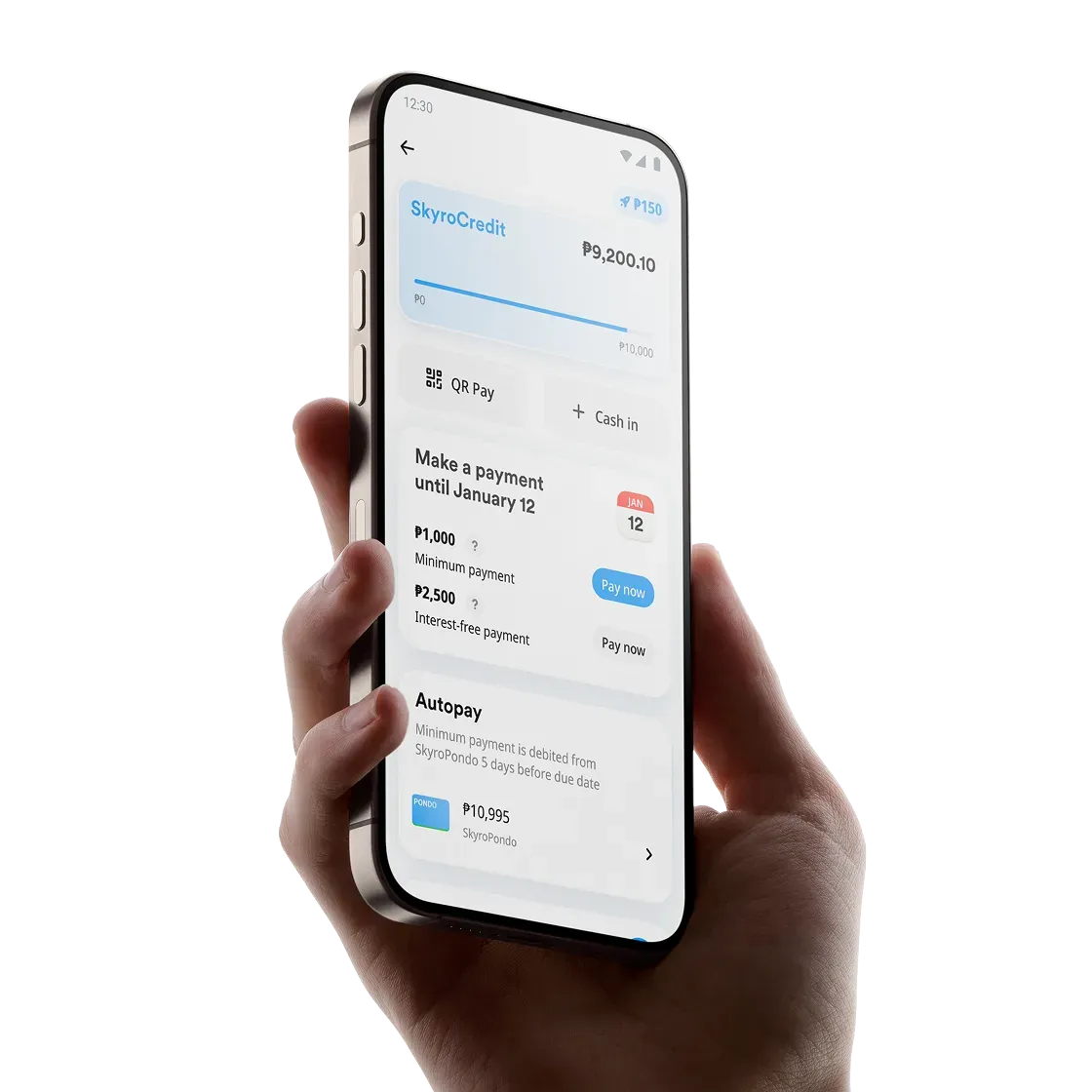
How to pay via
Use SkyroPondo to automatically pay for your Skyro product loans, cash loans, or SkyroCredit minimum payment. Add money to it anytime, so you're ready when it's time to pay for your loans.
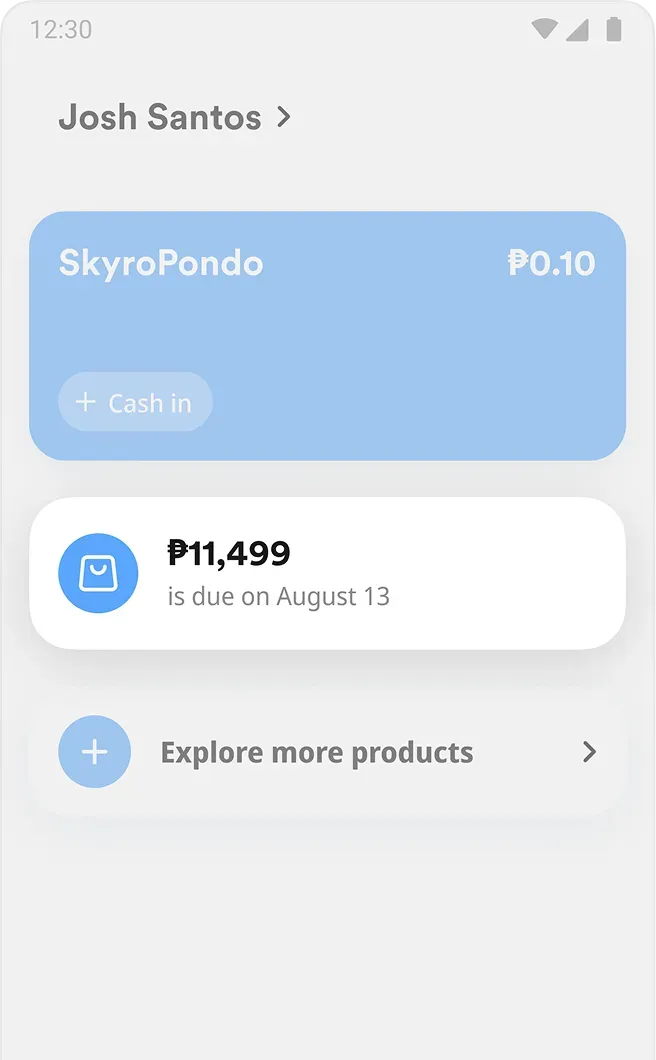
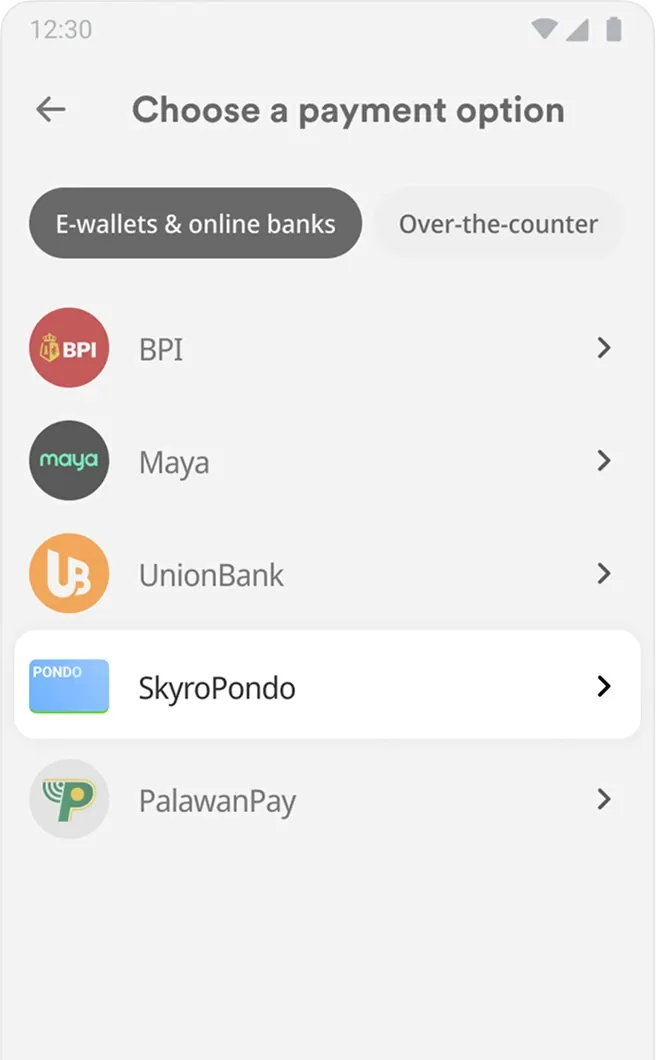

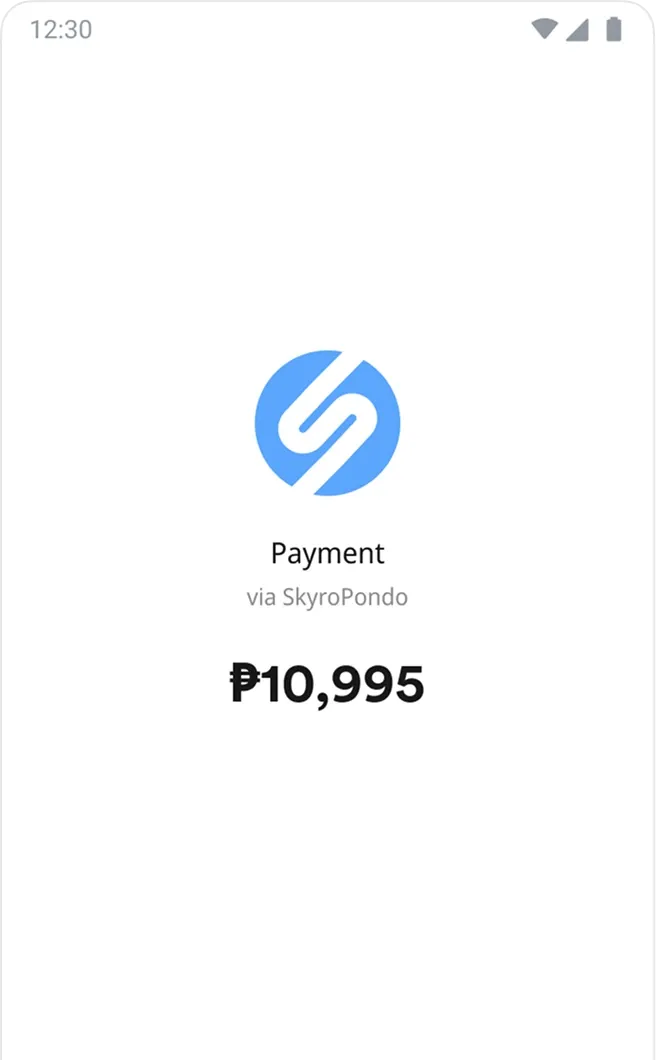
When to pay
Pay your loan 2–3 days early to avoid penalties and extra interest. Reminders will appear on your Skyro home screen.
Learn how due dates work with SkyroCredit in our video, ‘Meet SkyroCredit.’
Got questions, boss?
What are my payment options?

How can I pay for my loan online?
How can I pay for my loan using Bills Payment in other payment apps?
How can I pay for my loan over the counter?
How long is the code for over-the-counter payments valid?
Is there a fee I have to pay?
How soon will the money be credited after I made the payment?
How many over-the-counter payment codes can I request?

4.7

54.1K reviews on Google Play
Download the app to apply
for a Skyro loan anytime
Get approved, track your loan, and pay.